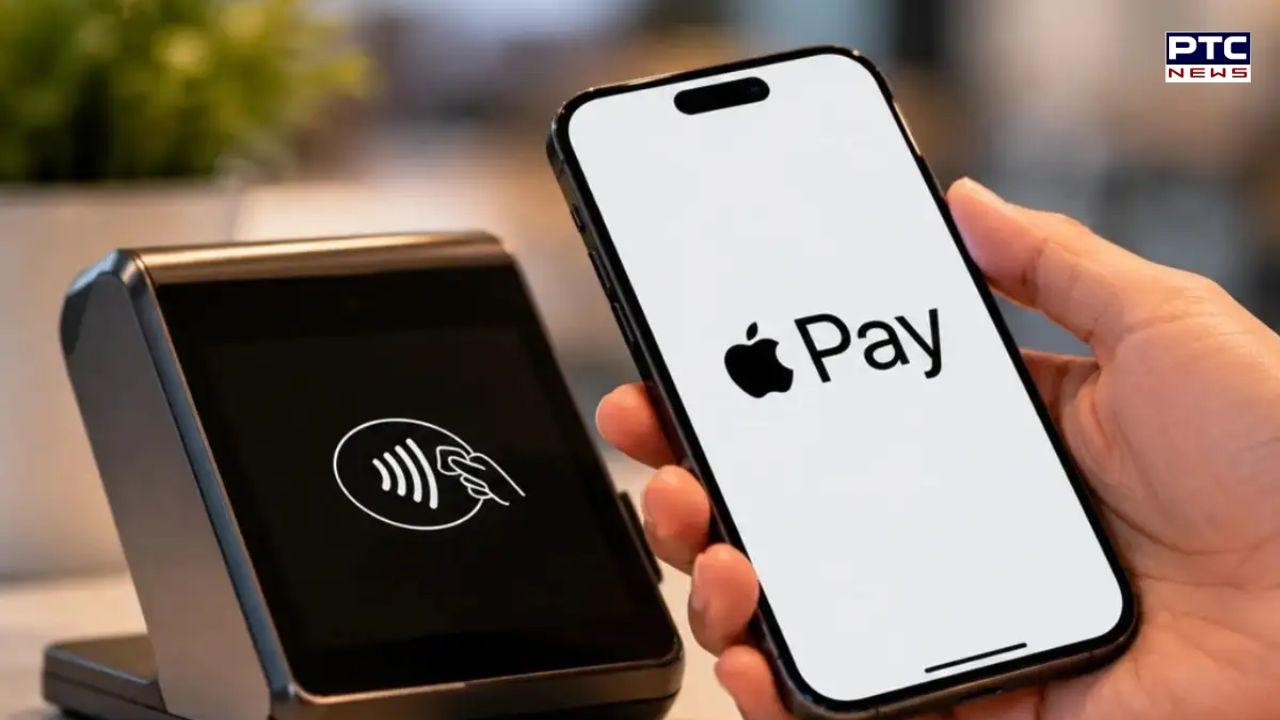
Apple Pay launches in India with Axis Bank as first card partner: Where it works and how to pay, all you need to know





PTC News Desk: Apple has officially launched Apple Pay in India on September 30, more than 10 years after the service first became available in the US. Indian users can now make payments using an iPhone, iPad or Apple Watch.
Though at the moment, the support is limited to Axis Bank-issued Visa or Mastercard credit cards.
Apple says the service is designed to make card payments easier and more secure. Users can pay without entering an OTP or PIN at checkout, as transactions are authenticated directly on the device.
How Apple Pay works ?
Apple Pay allows users to add eligible credit or debit cards to the Wallet app. In India, users can add a supported Axis Bank card by tapping the “ ” button in Wallet or through the Axis Bank app.
For in-store payments, users can double-click the side or Home button and authenticate using Face ID, Touch ID or the device passcode. They can then hold the iPhone or Apple Watch near a contactless payment terminal.
Apple Pay can also be used on supported apps and websites, allowing users to avoid repeatedly entering their card details.
Compatible devices
Apple Pay is available on:
iPhone XR and newer models running iOS 18 or later
Apple Watch Series 6 and later running watchOS 11 or later
At launch, Apple Pay will be accepted at several merchants and services, including Apple Store, Blinkit, Chaayos, Croma, Interflora, Ixigo, Reliance brands, Tata 1mg and Zomato.
Apple Pay enters India at a time when UPI is already widely used for digital payments. The company is expected to expand Apple Pay’s bank and merchant support in the coming months.
How to set up Apple Pay
Setting up Apple Pay is simple. Open the Wallet app on your iPhone, tap the “ ” button, and follow the instructions to add an eligible card. You can also add your card through the Axis Bank app.
Once the card is added, you can start using Apple Pay immediately.
For in-store payments, double-click the side button on your iPhone or the Home button on supported models. Authenticate the payment using Face ID, Touch ID, or your device passcode. Then hold your iPhone or Apple Watch close to the contactless payment terminal.
Apple Pay can also be used on supported websites and apps, allowing you to pay without repeatedly entering your card details. Card-linked rewards and benefits continue to apply when you use Apple Pay.
- PTC NEWS